🎨 9. UI Customization
Sub-topic 9 of 9
100% Complete
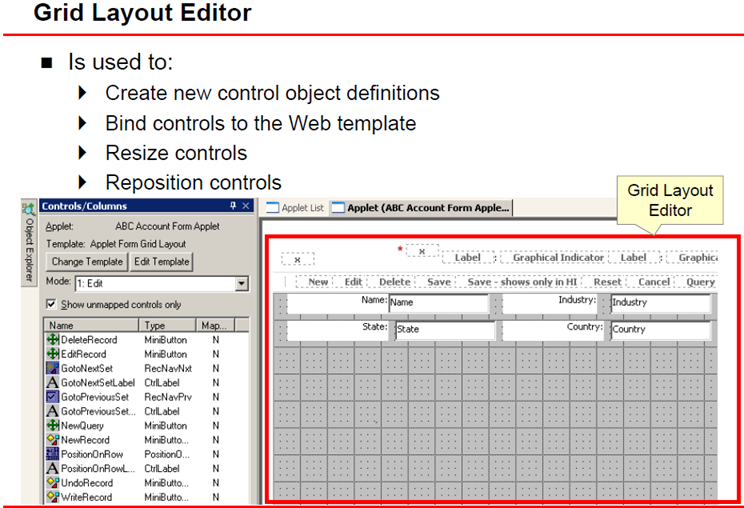
Siebel's UI is highly customizable. You can add fields, rearrange layouts, and create entirely new screens.
UI Object Hierarchy
Application → Screen → View → Applet → Control
Each level builds on the previous:
- Application: Top-level container (e.g., "Call Center")
- Screen: Navigation grouping (e.g., "Service Requests")
- View: Complete page layout
- Applet: UI component showing BC data
- Control: Individual field or button
What You've Mastered
- Differences between Siebel Tools and Web Tools
- Workspace development model and lifecycle
- Creating, opening, and managing workspaces
- Locking, checkpointing, submitting, and delivering changes
- Understanding Siebel's data model architecture
- Configuring Business Components and Business Objects
- Creating workflows to automate processes
- Customizing the user interface
📚 Coming Next
In Topic 3: Managing Customer Data, you'll learn:
- Data quality and validation techniques
- Import/export processes (EIM)
- Customer segmentation strategies
- Contact and account management best practices
- Service request handling